How to Customize Your Invitation Design
Learn how to customize colors, fonts, and layouts to create an invitation that perfectly matches your event.
4 min read
•
April 2024
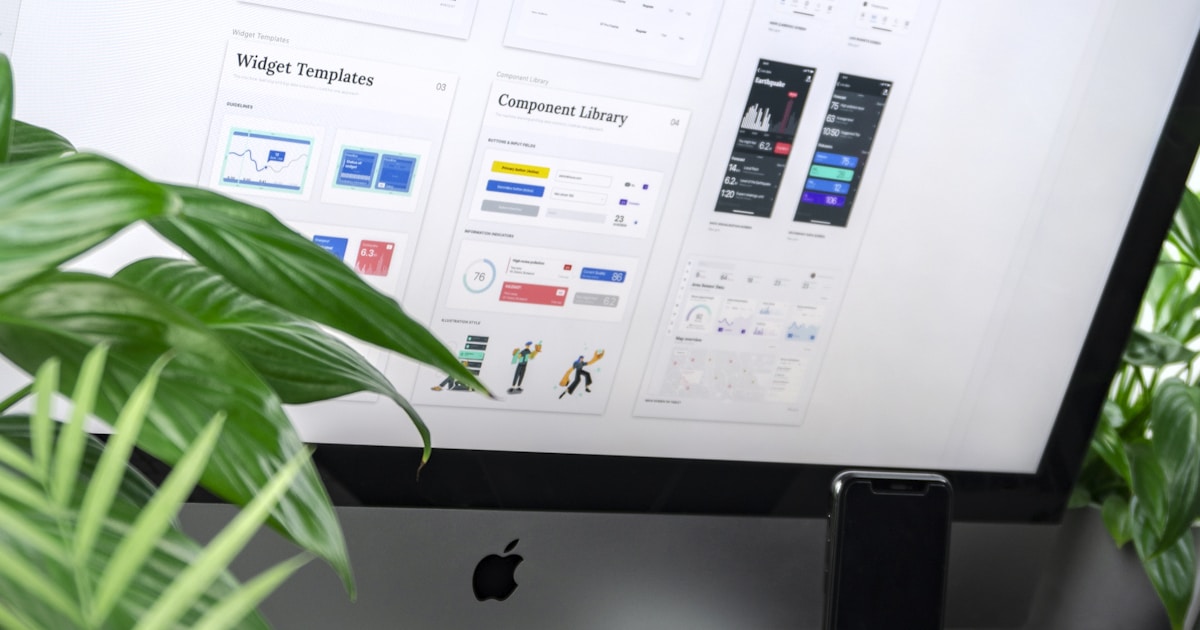
Unlock your creative potential
Creating a custom invitation that reflects your unique style and event theme has never been easier with Invitio's canvas editor. Drag every element, adjust colors and fonts, and add decoration made for events — no hacks, no complicated tutorials.
In this guide, we'll show you how to make the most of the canvas for weddings, birthdays, quinceañeras, graduations, and more.
What you can customize on the canvas
Cover page customization
Customize your invitation's cover with background images, colors, text alignment (left, center, right), vertical positioning, and multiple date formats. Add text highlights with custom colors and control which elements are shown.
Photo gallery management (Premium)
Upload up to 10 photos with drag-and-drop reordering. Support for HEIC/HEIF conversion, automatic image resizing, and multiple gallery styles. Perfect for showing off memories and event highlights.
Event countdowns
Build excitement with digital-style or flip-clock countdowns. Choose small, medium, or large sizes to match your invitation's design and build anticipation for your event.
Layers, groups, and decoration
Organize your design in layers, group or ungroup elements, and use the shape library — envelopes, flowers, lace frames, and more — to give every section of your invitation personality.
Color psychology for events
Color plays a crucial role in setting the mood for your event. Here's how different colors can impact your invitation:
Romantic colors like blush pink, gold, and deep burgundy are perfect for weddings. Bright, energetic colors like coral, turquoise, and yellow work great for birthday parties. Elegant neutrals like navy, silver, and cream are ideal for formal events like graduations or anniversaries.
Consider your venue and the time of year when choosing colors. A beach wedding might call for ocean blues and sandy beiges, while a winter celebration could use rich jewel tones.
Typography tips for readability
The right typography can make or break your invitation. Here are a few key principles to follow:
Use no more than 2-3 different fonts to keep things consistent. Pair a decorative font for headings with a clean, readable font for body text. Make sure there's enough contrast between your text and background colors. Consider your text size: it should be easy to read on mobile devices.
Remember that your guests will likely see your invitation on their phones first, so prioritize mobile readability when choosing fonts.
Canvas features for customization
Invitio's canvas editor combines design freedom with blocks that are ready for your event:
Freely position and resize text, images, and decorative shapes. Organize layers, group elements, and add sections that grow with your content. Layer in itinerary, dress code, guestbook, special mentions blocks, and more — each one editable right from the same canvas.
No need to piece your invitation together across different apps: design, RSVP, and sharing all live in Invitio, and the moment you hit save, your invitation is already published.
Pro tips for perfect customization
Start with a template that matches your overall vision, then customize from there. Use the preview feature often to see how your changes look on different devices. Don't be afraid to experiment — you can always revert to earlier versions. Ask friends or family for feedback on your design choices.
Remember that less is often more. A clean, well-designed invitation with thoughtful customization will always look more professional than one that's over-decorated.