Invitio's New Editor: Drag, Customize, and Save Your Invitation
Meet Invitio's canvas editor: drag every element exactly where you want it, customize it your way, and share your invitation on WhatsApp in minutes. No hacks, no 60-second tutorials.
5 min read
•
August 2026
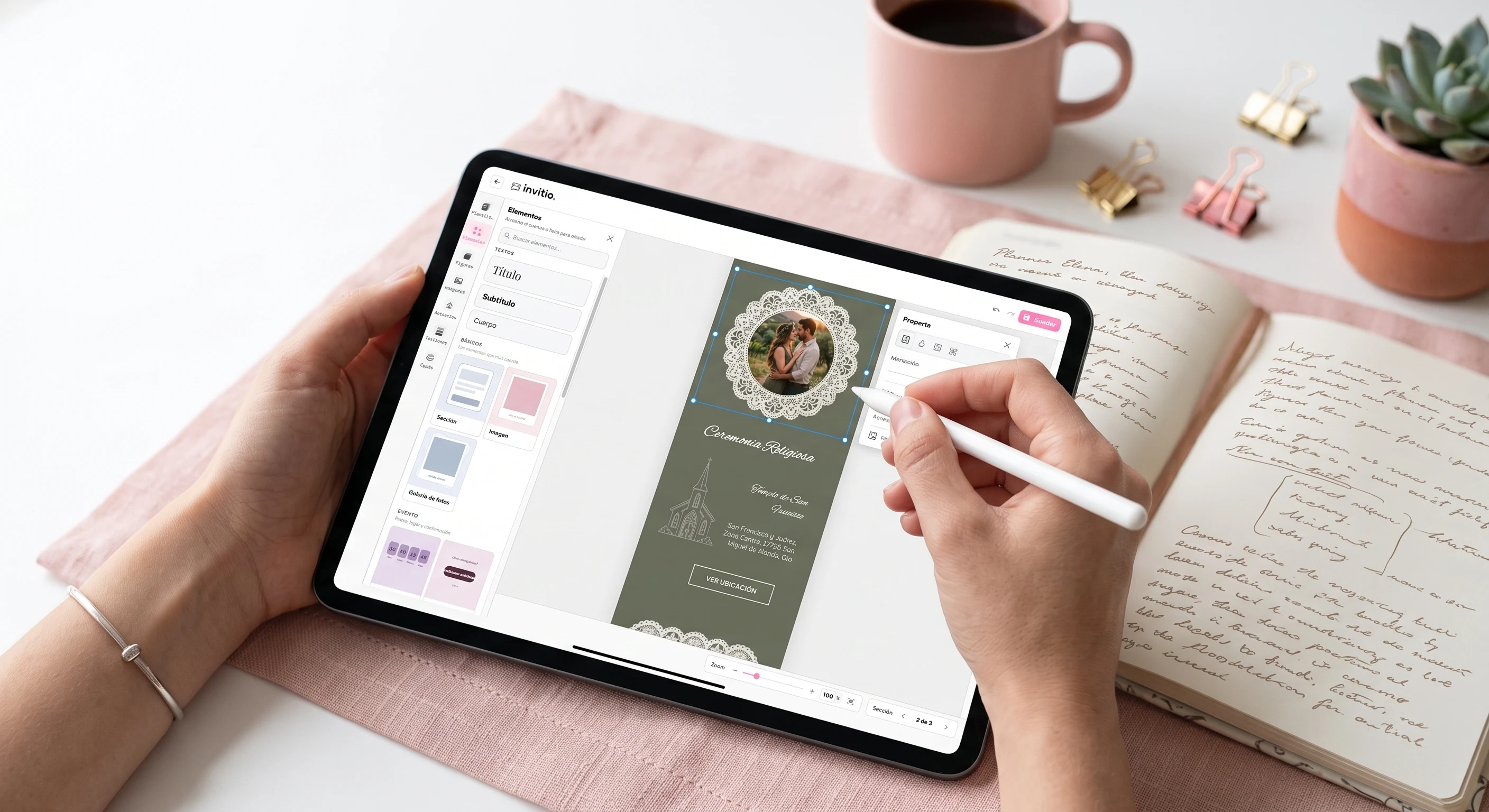
Designing your invitation shouldn't feel like a full-time job
You've probably been there: searching TikTok for how to align a text box or add a little frame to your invitation, and ending up watching three 60-second tutorials for something that should've taken two clicks. That's over.
Invitio's new editor is a real drag-and-drop canvas: move every element exactly where you want it, style it however you like, and when it looks right, hit save. That's it. Save publishes it automatically — your invitation is instantly ready to share on WhatsApp, RSVP included, with nothing technical for you to figure out.
Design. Save. Share. Done.
This isn't Canva with an RSVP form duct-taped on top. It's your whole invitation — design, real-time RSVPs, guest list, music, and a guestbook — and the moment you hit save, it's live: the link is ready to send on WhatsApp.
What you can do on the canvas
Position every element freely
Drag text, images, shapes, and content blocks wherever you want. No fixed boxes — the layout is entirely yours.
Customize color, font, and style
Change fonts, sizes, colors, and styles element by element until the invitation feels 100% you.
Layers, groups, and sections
Organize your design in layers, group or ungroup elements, and add or remove sections that grow with your content.
Shape and decoration library
Envelopes, flowers, lace frames, and more graphic elements ready to use — built for weddings, quinceañeras, baptisms, and celebrations, not generic clip art.
Event blocks, no drama
RSVP, guest list, music, and a digital guestbook — add them right from the editor, and they're all set the moment you hit save.
Edit whenever you want
Venue or time changed? Just edit it. The link you already sent updates itself — no need to resend anything.
Easy to design, easy to save
We wanted an editor that felt professional without feeling complicated. That's why Invitio's canvas gives you total creative freedom, while RSVP and guest list management come built in — you just focus on making it look great.
The flow is simple: go to Create Invitation, pick your event type and a starter template, and open the editor. Drag things around, customize it, preview how it looks on mobile and desktop, and hit save. Your invitation goes live instantly, ready to share on WhatsApp or via direct link.
The Free plan gives you the full canvas with up to 3 sections at 900px each. If your event needs more room, Premium removes that limit and unlocks photo gallery, video, and more.
How to get started in 4 steps
- Go to invitio.events and click Create Invitation — no account needed to get started.
- Choose your event type (wedding, birthday, quinceañera, baptism, graduation…) and a starter template.
- On the canvas, customize text, photos, colors, and decoration. Add whatever sections you need to tell your event's story your way.
- Preview it, hit save — it publishes automatically — and share the link on WhatsApp. Your guests RSVP right there, in real time.
Invitio vs. piecing your invitation together across apps
With Invitio
Design, save, and share without ever leaving the editor
- Drag-and-drop canvas + built-in event blocks
- Real-time RSVP and guest list included
- Hit save and the link is already published, ready for WhatsApp
- Edit after sending — the link updates itself
- Shapes and decoration made for invitations
- Mobile and desktop preview right in the editor
On other platforms
Multiple tools, multiple steps
- Design in one app, track RSVPs in another
- Export an image or PDF and share it manually
- Tutorials just to get basic details right
- Changes later mean redesigning or asking for help
- Generic templates, not built for LATAM-style events
- Guest management handled separately, if at all
Your invitation, your control
Invitio doesn't hand you a locked design or make you wait on someone else to change something. You open the editor, move whatever you want, hit save — it publishes itself — and share it. It's a living invitation, not a static file, with guests, collaborators, and an agenda all running behind it.
Ready to try it? Create your invitation for free, design it on the canvas, and save it in minutes — it publishes on its own.