How to Make a Free Digital Invitation in 5 Minutes
A step-by-step guide to making digital invitations and cards for weddings, birthdays, baptisms, quinceañeras, and more — ready to share on WhatsApp.
4 min read
•
May 2026
Why make a digital invitation?
Digital invitations — also called virtual invitation cards — have become the go-to choice for modern events. They're faster to make, easier to share, and much cheaper than printed invitations — often completely free.
Whether you're planning a wedding, birthday, quinceañera, baptism, or graduation, making a digital invitation lets you include interactive features like real-time RSVP, a countdown timer, a guestbook, and music — all in one link your guests can open from any device.
How to make digital invitations in 5 steps
Step 1: Click 'Create Invitation'
Go to invitio.events and click Create Invitation. No account needed to get started — just enter your event details and start building right away.
Step 2: Choose a template
Browse templates designed for your event type: weddings, birthdays, baptisms, first communions, quinceañeras, graduations, and more. Pick the style that fits your celebration.
Step 3: Customize it on the canvas
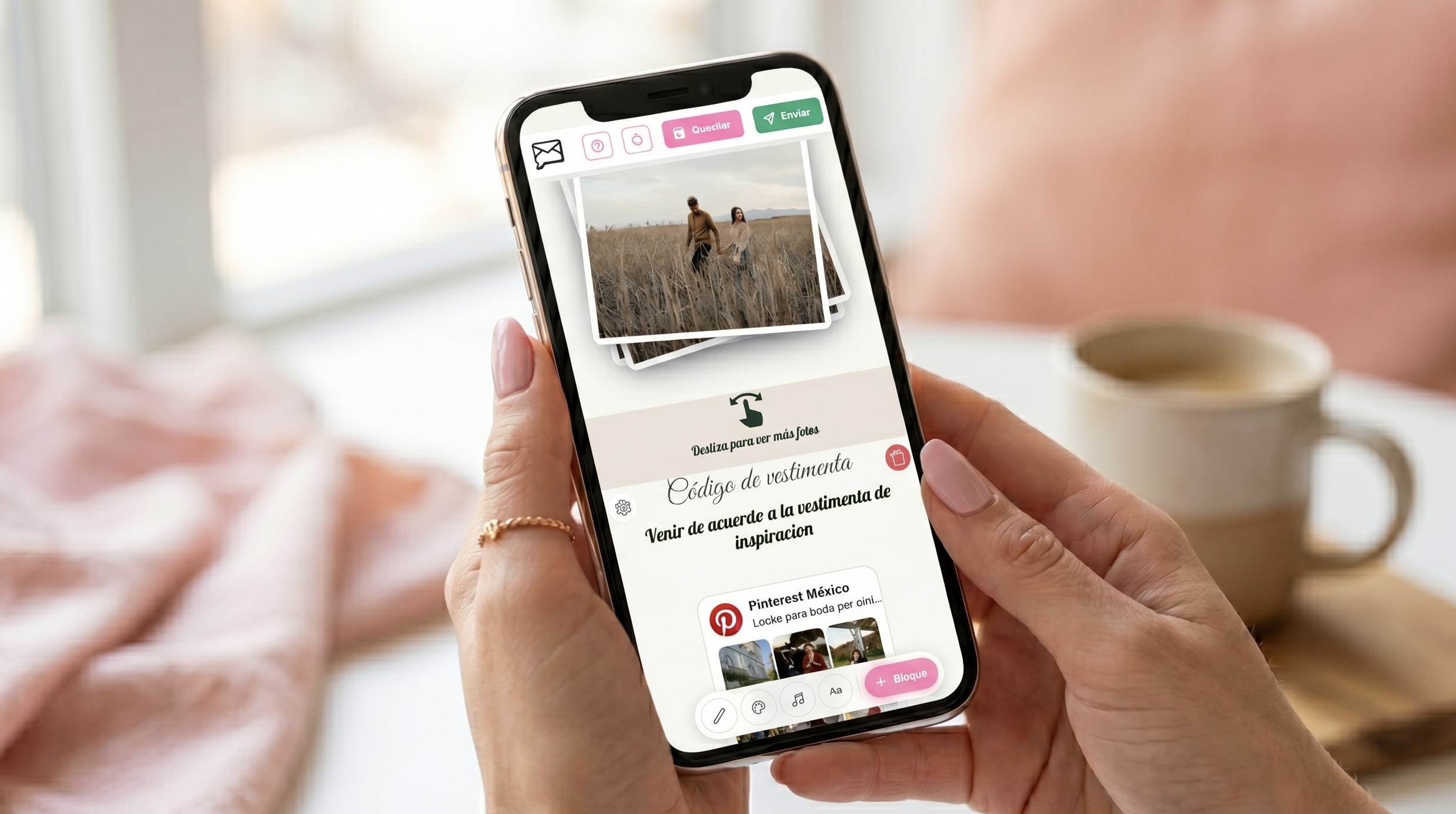
In the canvas editor, drag and position every element: text, photos, colors, and fonts. Add sections for a countdown, itinerary, dress code, and guestbook — all inside the same editor, no hassle.
Step 4: Save and share
Hit save and your invitation goes live instantly — there's no separate 'publish' step. Share it with your guests via WhatsApp, email, or a direct link. They can open it on their phone or computer and RSVP in real time.
Step 5: Expand it with Premium (optional)
The Free plan includes the full canvas editor, RSVP, music (MP3, Spotify, or Apple Music), and essential elements. Premium unlocks a photo gallery, video, a Pinterest board, unlimited sections, and more guests — great if your event grows.
How to customize your digital invitation
This is where your invitation comes to life. Invitio's canvas editor lets you move, resize, and style every element freely — you're not stuck with fixed boxes. Add, remove, and rearrange sections however your event needs.
Drag text and decoration wherever you want, pick colors and fonts element by element, and use the shape library (envelopes, flowers, frames, and more) to give it personality. Then layer in built-in blocks like a countdown timer, itinerary, dress code, and guestbook right from the editor — no need to hunt for tutorials on other apps.
Use the preview before you save — most of your guests will open the invitation on their phone, so it's worth checking that view first.
Essential info to include in your invitation
- Event name and hosts (the couple, birthday person, etc.)
- Date and time of the event
- Venue name and address
- Dress code (if applicable)
- Any extra details your guests should know (suggested lodging, itinerary, etc.)
How to share your invitation on WhatsApp and other channels
Once your invitation is ready, hit save — it publishes itself — and share it. Invitio gives you a few ways to reach your guests:
WhatsApp: Send it straight to your contacts — the most popular way to share invitation cards in Latin America. Direct link: Copy and paste your invitation's URL into social media, email, or a text message.
Your guests get a beautiful, mobile-optimized invitation they can open instantly. They can RSVP with one tap, in real time, and check out everything else you added.